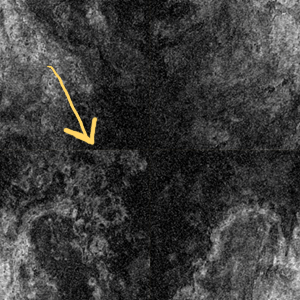
Seamless textures can be very useful in many 3D applications.

Here is a quick way to make one in PhotoShop:

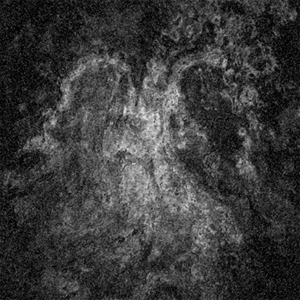
First Start with a image of some interesting value.
Here I have some sandstone I inverted and dropped
the saturation to 0%.

Crop or resize the image so the height and width have
even numbers. In this case I am using a perfect 400 x 400 square.

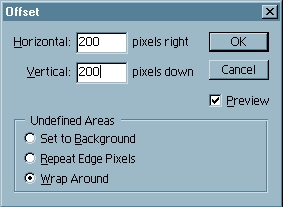
With the image selected, toggle - Filter/Other/Offset
In the Horizonal and Vertical windows, enter half of the actual size. In my case both sides are 400, so I entered 200 for each.

Using the Clone tool from the tool box....
...clean up those merge points.

now your image is seamless!
www.artboy.cc