1)
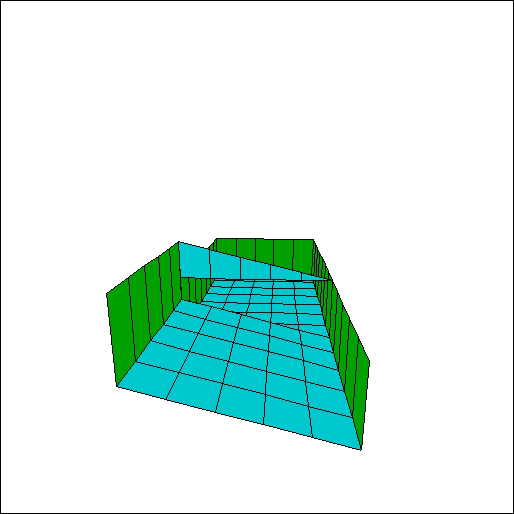
First start off with a room that is 5x11, 8 clicks high. Next select an area
of 5x5 and slope it 1 click. Use this pic as an illustration.
2)
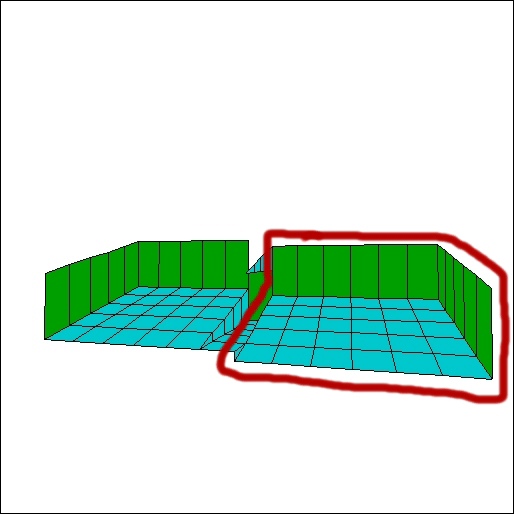
Now, select another area (circled in red) 5x5 and slope it once just like the
other side. This time, however, move the slope one click lower than the first.
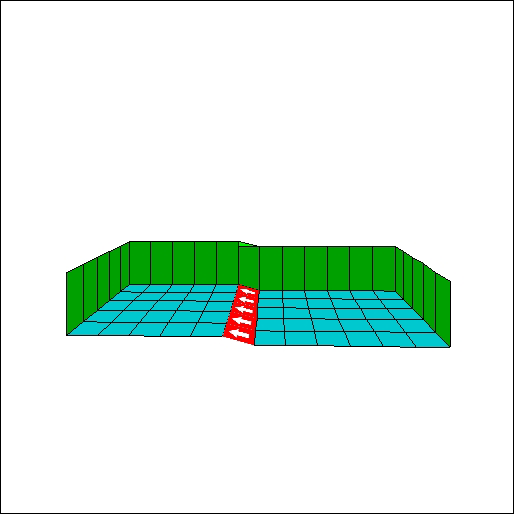
3) Next, select the little 'isle' highlighted in red (below) and slope it
so that it matches up with the second slope circled in red (upper right) that
you created. Now slope the 'isle' again, but this time so that it matches
up withthe other slope.Your room should now look like this.
4)
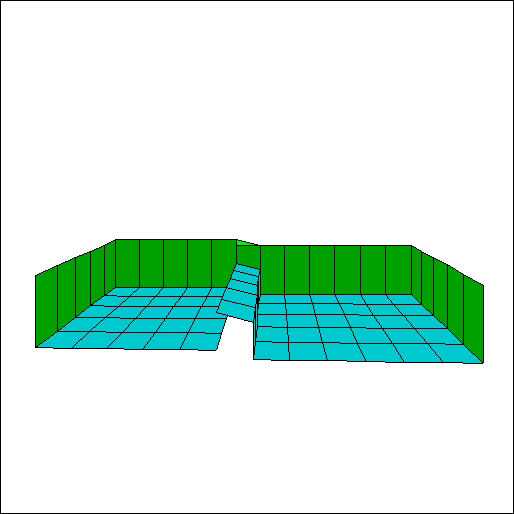
With the 'isle' selected, raise it four clicks to look like the picture below.
Then, click the wall button and texture it according to your tastes. With all
these things in mind, you can stop one of the worst disasters from happening
to your level.